How to Install
How to Install
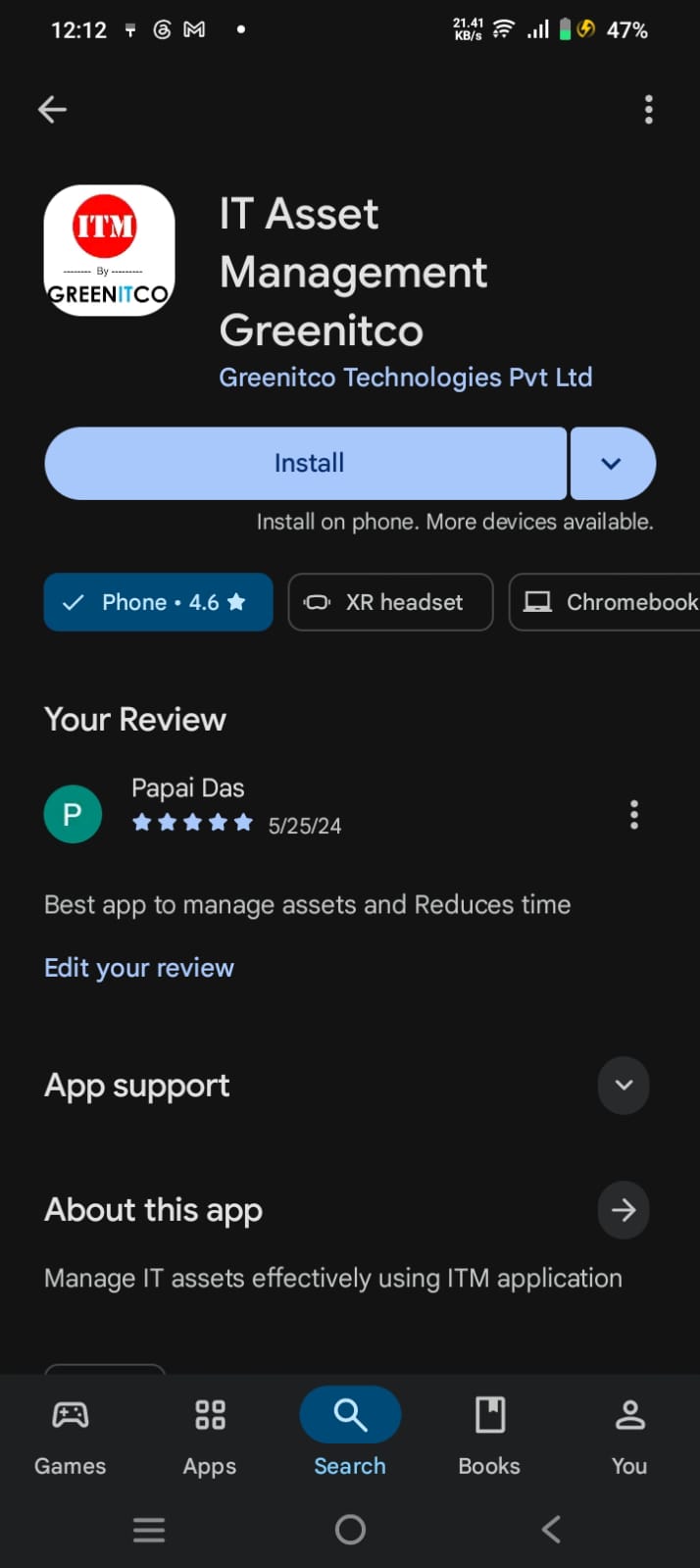
To Install Android App
Click the link below to install the Android App
Check out the ITM App on the Google Play Store.
- Open the Google Play Store link above.
- If required, search for IT Asset Management (ITM).
- Tap Install.
- Once the installation is complete, open the app.
To Install iOS App
Click the link below to install the iOS App
Check out the ITM App on the Apple App Store.
- Open the Apple App Store link above.
- If required, search for IT Asset Management (ITM).
- Tap Get.
- Once the installation is complete, open the app.
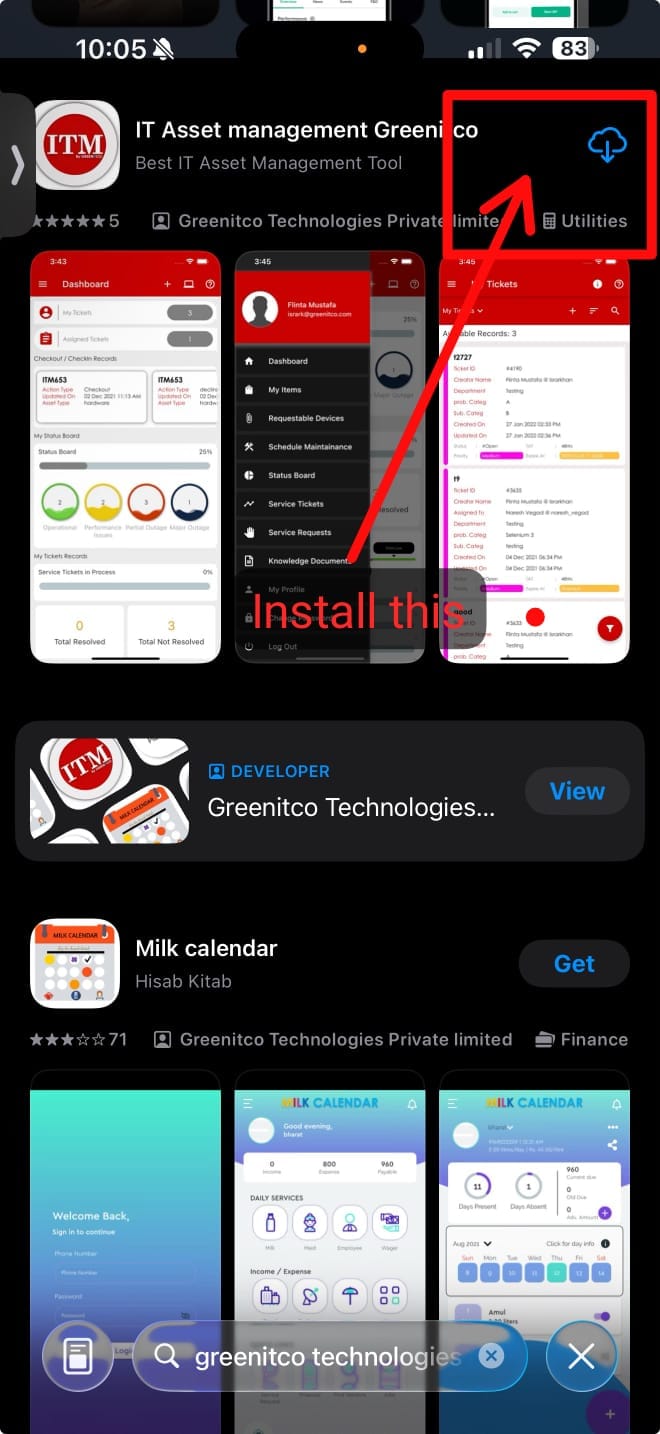
Alternatively, open the Apple App Store, search for IT Asset Management (ITM), and tap Get to install the app.
We are continuously improving our documentation to ensure it meets your needs. This document will be updated regularly, so please check back for the latest information. If you have any questions or encounter any issues, feel free to reach out to us at support@itassetmanagement.in.