Auto Allocation
Go to > Left side bar > Schedule maintenance > Auto Allocation Groups.
Auto Allocation model is primaraly developed for creating groups, manage the groups.
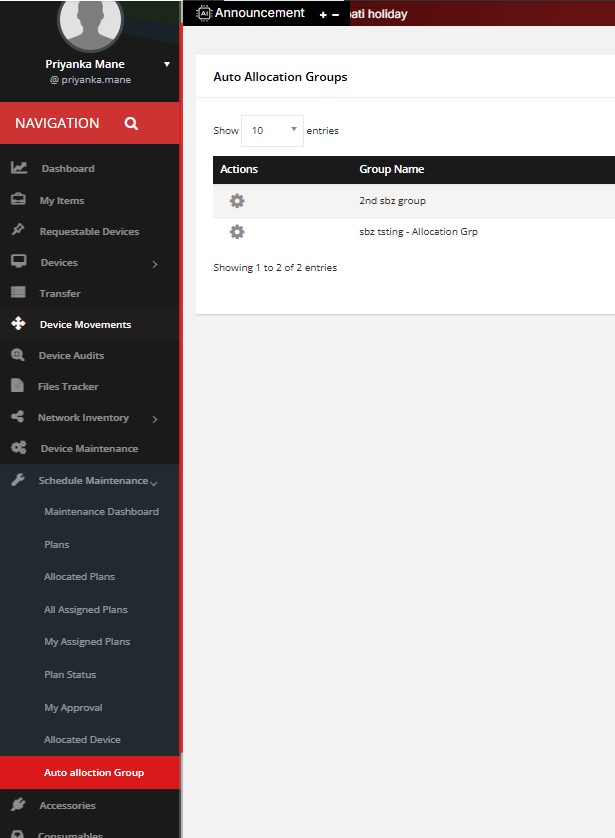
1. Auto Allocation Groups - Here one can add group, edit, delete, clone also can download the report . Location wise filter can be applied.

All data of groups will be diplay on the listing page. as shown in below image

Also can apply filter 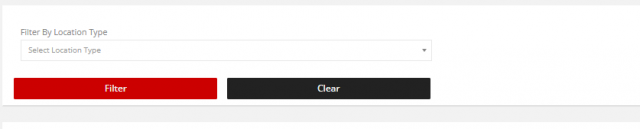
View Group History-
One can view the history using setting history icon shown in image 2.

2. Manage users-
User Can add members in created group using manage group
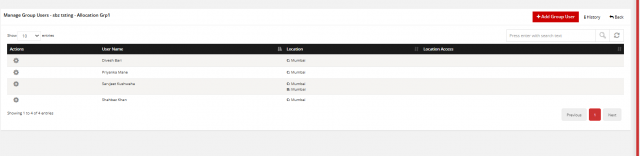
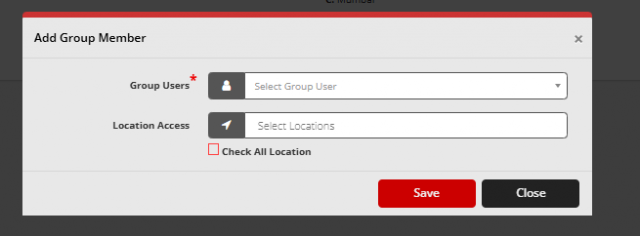
User can add grop members using following form.
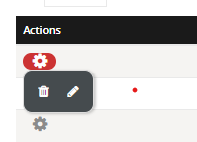
One can perform edit, delete operations using icons in listing setting.
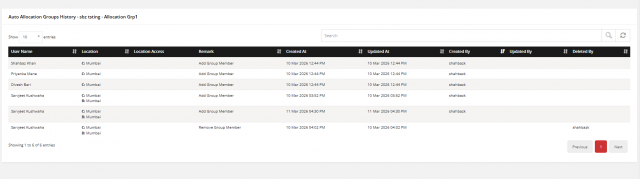
Using history one can check the history of group members.
We are continuously improving our documentation to ensure it meets your needs. This document will be updated regularly, so please check back for the latest information. If you have any questions or encounter any issues, feel free to reach out to us at support@itassetmanagement.in.