How to manage Purchase License
Manage Purchase License
Go to the left sidebar and select Licenses > Go to the License details page > Go to the Purchase Tab from the Top.
Steps to manage Purchase License.
-
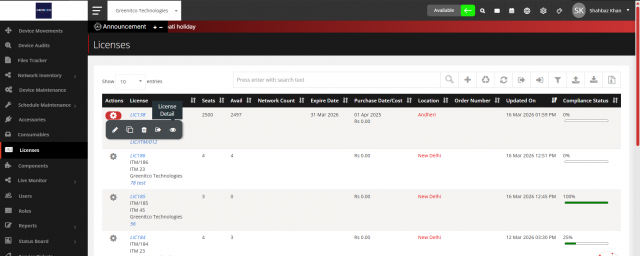
Go to the License detail page.
-
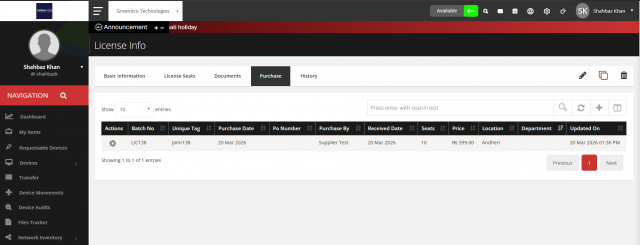
Click on the Purchase Tab.
-
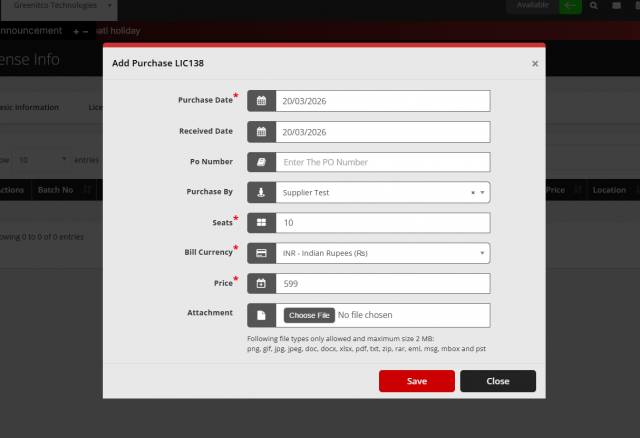
Click on add items (+) button from top right side to add License seats
-
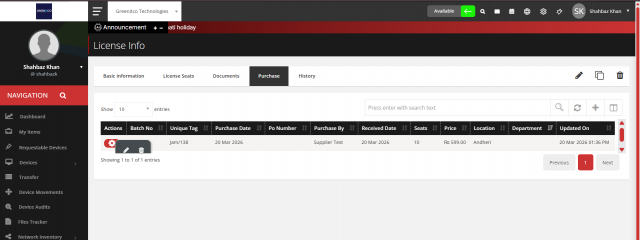
Click on the gear icon from the table in the first column to manage Purchase License Like (Edit and Delete).
We are continuously improving our documentation to ensure it meets your needs. This document will be updated regularly, so please check back for the latest information. If you have any questions or encounter any issues, feel free to reach out to us at support@itassetmanagement.in.